Introduction
In today's fast-paced world, maintaining your fitness routine with the help of technology has become increasingly important. Peloton bikes and treadmills are popular choices for fitness enthusiasts looking for an interactive and motivating workout experience. However, like any piece of technology, Peloton equipment can experience technical issues. Traditionally, resolving these problems would require an in-person visit from a technician. Today, however, advances in technology and remote diagnostics allow for many issues to be diagnosed and often resolved without the need for a technician to visit your home. This article explores how a master technician can fix your Peloton using phone diagnostics and video troubleshooting.
The Rise of Remote Diagnostics
Understanding Remote Peloton Troubleshooting
Remote Peloton troubleshooting involves identifying and resolving issues with your Peloton equipment using electronic communication tools. This process leverages phone calls, video conferencing, and remote access software to diagnose and potentially fix problems. This approach has become increasingly popular as it offers numerous advantages over traditional on-site repair services, including convenience, efficiency, and often lower costs.
The Role of a Master Technician
A master technician is an expert in diagnosing and repairing Peloton equipment. They possess extensive knowledge of the hardware and software components of Peloton bikes and treadmills. With their expertise, they can guide users through troubleshooting steps remotely and identify the root cause of the problem, saving both time and resources.
Common Peloton Issues and Remote Solutions
Connectivity Problems
One common issue with Peloton equipment is connectivity problems. These issues can prevent the equipment from connecting to the internet or the Peloton server, disrupting workouts. A master technician can guide you through a series of steps over the phone or via video call to resolve these issues. This might involve checking your Wi-Fi connection, ensuring your router is functioning properly, or updating the equipment's firmware.
Software Glitches
Software glitches can also affect the performance of your Peloton equipment. These might include freezing screens, unresponsive touchscreens, or malfunctioning applications. Through a Peloton video diagnostic session, a technician can help you reset the device, uninstall and reinstall problematic apps, or perform a system update to resolve these issues.
Hardware Malfunctions
While some hardware issues may require physical repairs, many can be diagnosed remotely. For instance, if the resistance knob on your bike is not functioning correctly, a technician can guide you through a series of tests to determine if the problem is mechanical or electronic. If it’s a simple adjustment or recalibration issue, they can provide instructions to fix it on the spot.
How Phone Diagnostic Works
Initial Assessment
The first step in a phone diagnostic is an initial assessment to understand the problem. The technician will ask you to describe the issue in detail, including any error messages or unusual behavior. This information is crucial for narrowing down potential causes and determining the best course of action.
Step-by-Step Guidance
Once the problem is identified, the technician will guide you through a series of troubleshooting steps. This might include rebooting the device, checking cable connections, or performing specific actions on the equipment. Throughout the process, the technician will provide clear, step-by-step instructions and answer any questions you might have.
Video Diagnostics
In some cases, a video diagnostic session may be necessary. This involves using a smartphone or tablet to show the technician the equipment in real-time. Video diagnostics allow the technician to visually inspect the equipment, which can be particularly useful for identifying hardware issues. They can also demonstrate certain troubleshooting steps, making it easier for you to follow along.
Benefits of Remote Diagnostics
Convenience
One of the most significant benefits of remote diagnostics is convenience. You don’t need to wait for a technician to visit your home, which can often take days or even weeks, especially in remote areas. Instead, you can schedule a phone or video session at a time that suits you, often resolving the issue much faster.
Cost-Effectiveness
Remote diagnostics can also be more cost-effective than traditional repair services. There are no travel fees or call-out charges, and many issues can be resolved without the need for replacement parts. This approach can save you money and ensure your equipment is back up and running without unnecessary expenses.
Real-Time Solutions
With remote diagnostics, you receive real-time solutions to your problems. Instead of waiting for a technician to arrive and then diagnose the issue, the problem can often be identified and fixed during the initial call. This immediate response helps minimize downtime and allows you to return to your fitness routine as quickly as possible.
Preparing for a Remote Diagnostic Session
Gather Information
Before your remote diagnostic session, gather all relevant information about your Peloton equipment. This includes the model number, serial number, and any error messages you’ve encountered. Having this information ready will help the technician diagnose the problem more efficiently.
Ensure a Stable Connection
Make sure you have a stable internet connection for the session, especially if a video call is involved. Check that your Wi-Fi is working properly or connect directly to your router with an Ethernet cable if possible. A stable connection ensures that the session runs smoothly and without interruptions.
Set Up Your Equipment
Position your Peloton equipment in a well-lit area and ensure it’s easily accessible for the session. If a video diagnostic is required, make sure you have a smartphone or tablet ready to use. Testing your device's camera and microphone beforehand can also help prevent technical issues during the session.
When to Seek In-Person Assistance
Complex Hardware Issues
While remote diagnostics can resolve many issues, some complex hardware problems may still require in-person assistance. If the technician determines that a part needs replacing or a mechanical repair is necessary, they will advise you to schedule an on-site visit.
Persistent Problems
If an issue persists despite multiple troubleshooting attempts, an in-person assessment may be needed. This allows a technician to conduct a more thorough inspection and use specialized tools to diagnose and fix the problem.
Conclusion
Remote Peloton troubleshooting offers a convenient, efficient, and cost-effective way to keep your fitness equipment in top condition. By leveraging phone diagnostics and video calls, master technicians can diagnose and often resolve issues without the need for an in-person visit. This modern approach to technical support not only saves time and money but also ensures that your Peloton equipment is back up and running as quickly as possible. Whether you're experiencing connectivity issues, software glitches, or hardware malfunctions, remote diagnostics provide a valuable service that enhances the overall Peloton experience.
Trust your investment to a master technician who knows you and your equipment. Note: Treadmill Maintenance Program coming soon!
The Concierge Maintenance Program includes:
Experience worry-free workouts with personalized service from a Certified Master Peloton Technician. Here's what you get with the program:
Thorough Inspection: David’s keen eyes and ears evaluate every inch of your bike and sound that it makes. This meticulous check ensures early detection of potential issues, preserving the bike’s lifespan and performance.
Hardware Integrity: Bolts, nuts, and screws on your Peloton bike’s screen, goose-neck, handlebars, cupholders, wheel cover, seat, inner and outer belt guards, stabilizers bars, foot pads, and nuts are inspected and tightened to precise specifications. This prevents unexpected loosening or breakages, providing a safe and sturdy workout environment.
Sensor and Resistance System Check: Ensuring these crucial components are working accurately guarantees your workout stats are reliable, and your resistance changes are smooth.
Front Hub and Axil Assembly Evaluation: This inspection safeguards the operational efficiency of your Peloton bike, ensuring smooth and fluid wheel movement.
Cadence Magnet Check: This ensures your pedaling speed is accurately tracked, enabling you to follow along with your workouts correctly.
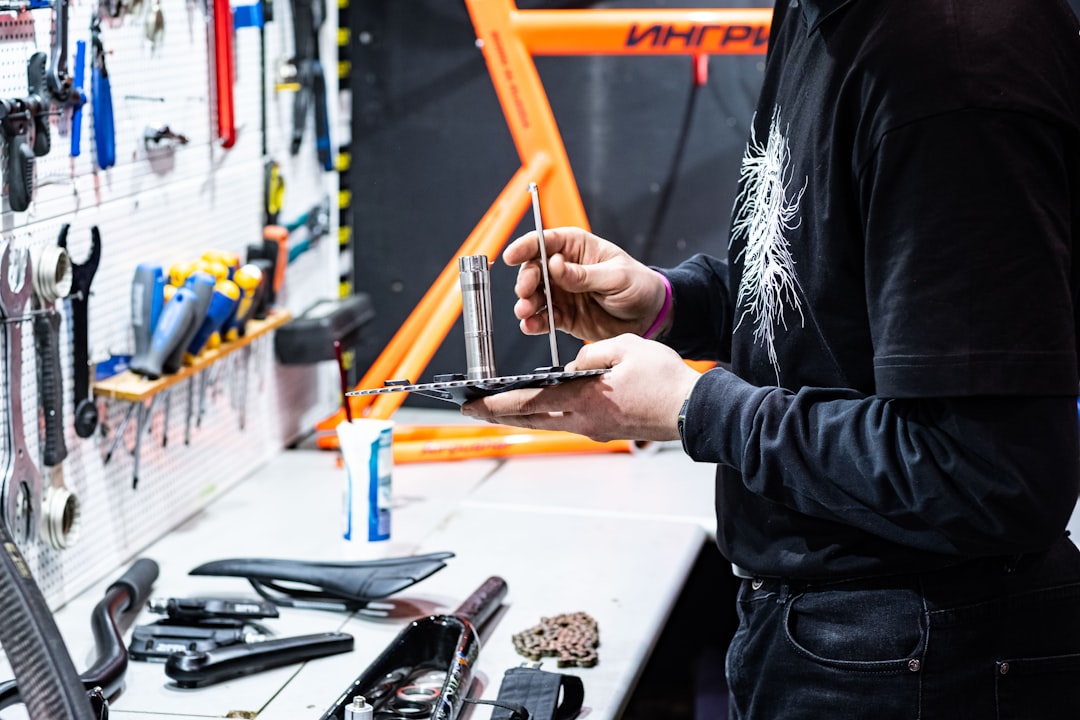
Bottom Bracket Examination: Checking and tightening the bottom bracket to proper torque specifications ensures the bike’s structural integrity and prevents damaging wobble during intense workouts.
Touchscreen Optimization: By removing “bloat” data from the touchscreen memory, we enhance its responsiveness and speed, providing you a seamless user experience.
Belt Adjustment: A properly tightened and aligned belt ensures efficient power transfer from your pedaling to the bike’s mechanism, leading to an effective and smooth ride.
Crank Arm and Pedal Inspection: Tightening the left and right crank arms, inspecting pedals, and securing screw rivets ensures the stability of your pedal stroke, preventing potential injuries and maintaining bike longevity.
Proper Bike Calibration: This essential service ensures your bike’s resistance levels are accurate, offering you a consistent workout experience.
**Personalized Care: We’re always ready to answer any questions you may have, and are more than willing to look into any specific area of concern you may have with your Peloton equipment. Year round!