
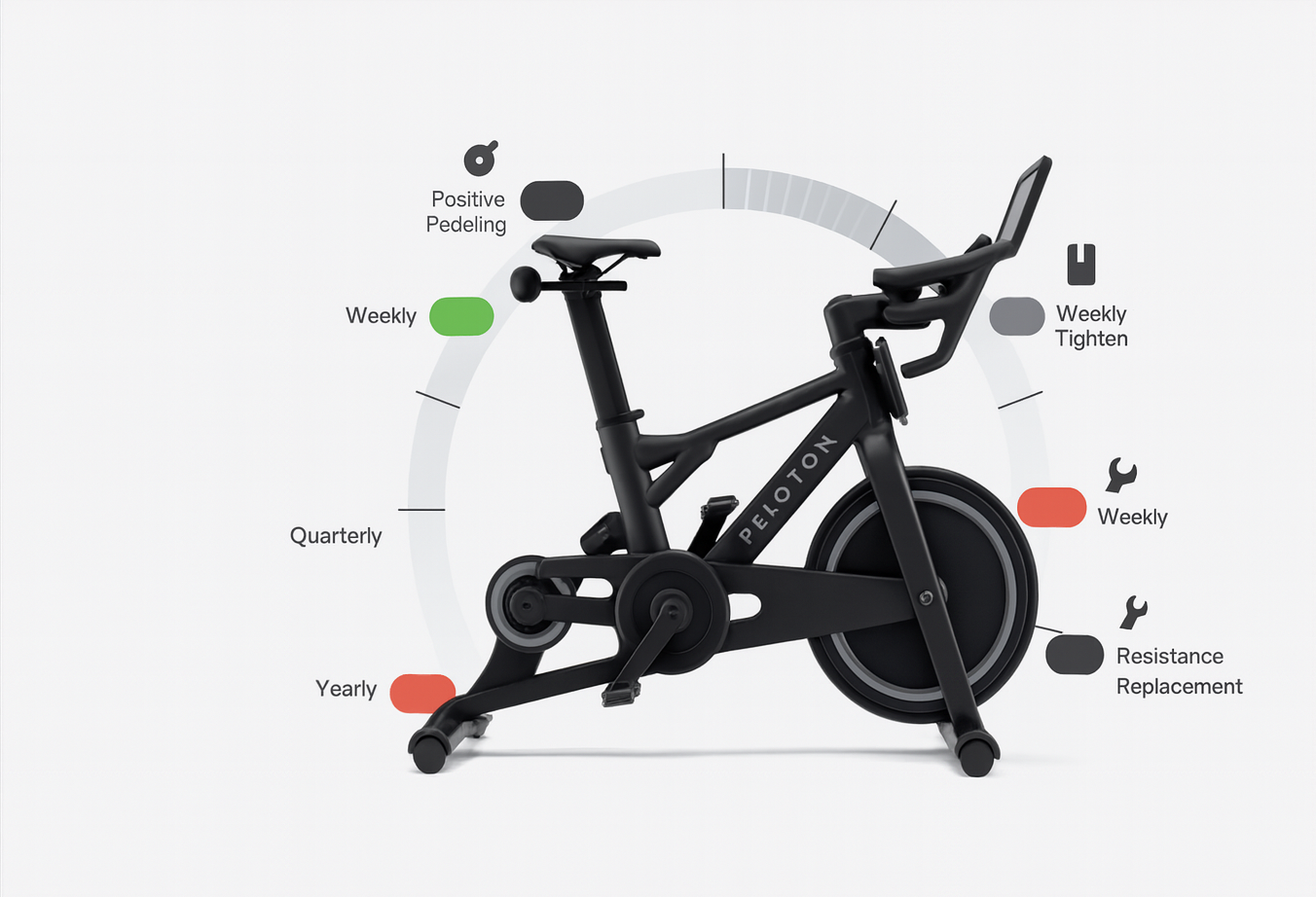
You stack classes, chase streaks, and sweat through 45-minute and 60-minute sessions. Then one day you hear a new click. Or the bars feel a little loose. Or the resistance stops feeling smooth.
Here's the straight truth: as a Peloton rider, more minutes means more wear. That's true even if you baby your Peloton Bike, Bike+, Tread, Tread+, or Row.
In this guide, you'll learn what "normal wear" looks like, what you can check safely at home, what preventive maintenance prevents, and when it's time to call an independent Peloton equipment technician.
Why more ride minutes create wear (even if nothing feels "wrong" yet)
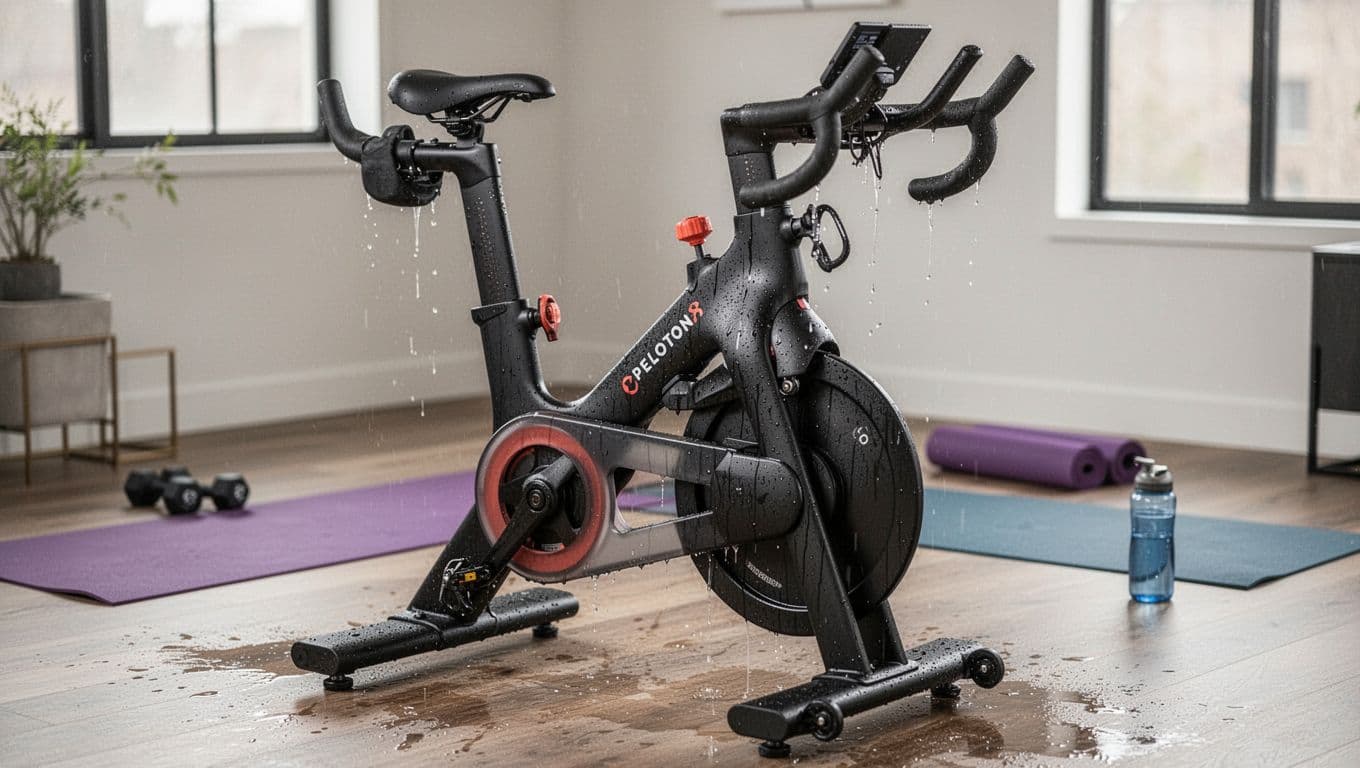
Sweat and repeated motion add up fast on high-use equipment, created with AI.
Wear is just physics plus time. Every ride puts small forces into the frame and moving parts. Those forces don't stay "small" when you repeat them thousands of times.
A simple way to picture it is car maintenance. Your car can feel fine right up until it doesn't. Oil changes and inspections keep "fine" from turning into "broken on Monday."
High-usage Peloton owners often set big yearly minute goals. If you aim for 20,000 minutes a year, that's about 385 minutes a week. Add frequent clip-ins, climbs out of the saddle, and heavier resistance work, and you're putting real mileage on the machine.
One important note for clarity: PCMP is an independent service provider for Peloton® equipment, not affiliated with Peloton Interactive, Inc.
Sweat and vibration are the two wear multipliers most riders forget
Sweat isn't just water. It's salty, and salt speeds up corrosion on metal fasteners and contact points. If sweat sits on bolts, rails, and adjustment hardware, you can end up with rust, stuck knobs, and hardware that won't hold torque.
Vibration does its own damage. Even a perfectly built machine can loosen over time because repeated micro-movement works fasteners back and forth. The early signs are subtle: a faint creak, a small rattle, a tiny shift in alignment.
Ignore those signs long enough, and they tend to turn into noise you can't un-hear.
High-mileage riding changes what "normal" sounds and feels like
You get used to your bike's personality. That's why small changes matter. Pay attention when you notice:
- A new clicking sound on the downstroke
- Resistance that feels uneven, even in the same range
- Handlebars that feel "off" by a few millimeters
- Pedals that don't feel crisp when clipping in
If the change is repeatable, it's real. Catching it early usually means less downtime.
The parts that wear first when you log a lot of minutes
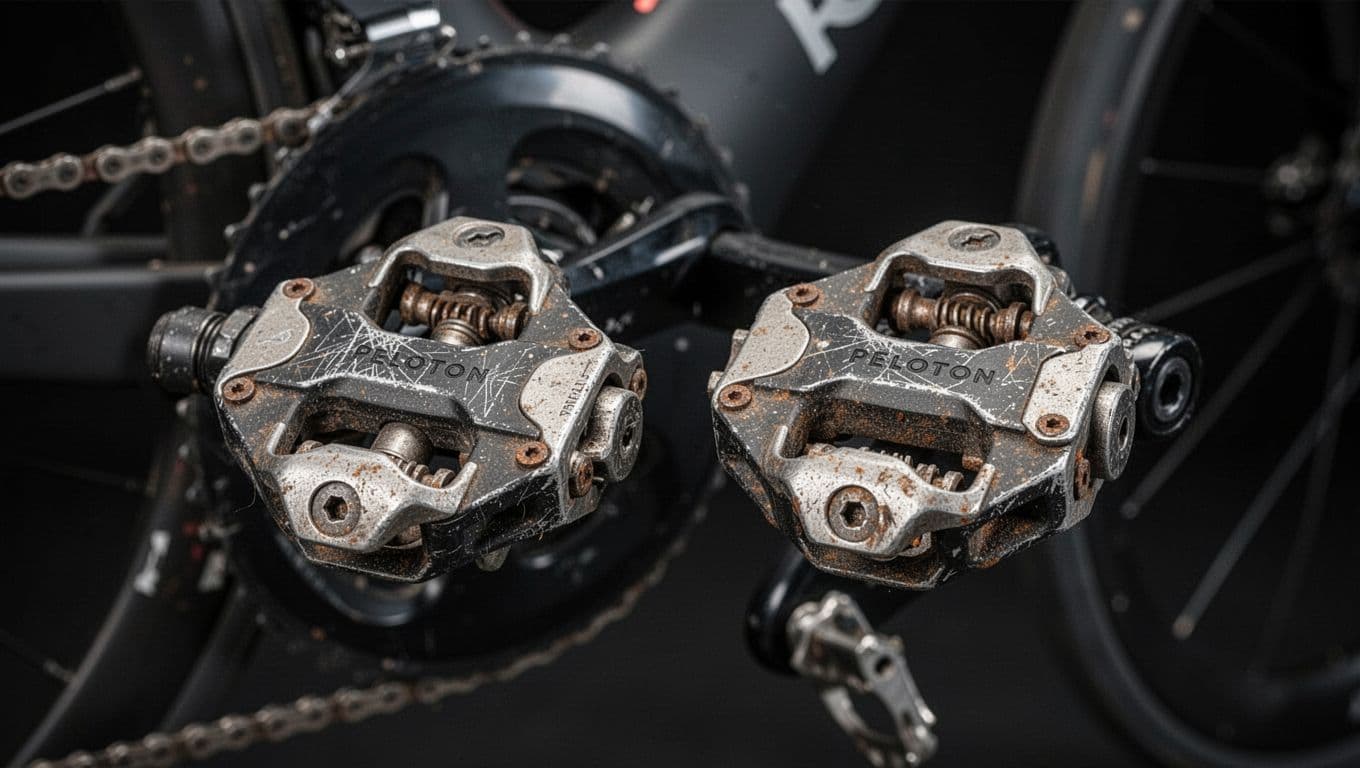
Pedals and cleats show wear quickly when you clip in daily, created with AI.
High minutes usually don't "break" one big thing overnight. Instead, you get small wear in a few high-stress spots, then the symptoms stack up.
Also, keep safety separate from wear. If you own a Peloton Bike+, check whether your unit is affected by Peloton's November 2025 seat post recall. Reports focused on some Original Series Bike+ units (model PL02) with serial numbers starting with "T," where the seat post assembly could fail. If yours is affected, stop using it and follow Peloton's recall instructions for a free replacement.
Pedals and cleats: the clip-in system that takes a beating
Your pedals take repeated side-load from hard efforts, plus the constant twist of clipping in and out. Cleats wear even faster because they're the "consumable" contact point.
Peloton has commonly advised that heavy riders may end up replacing pedals about once a year. Many riders also go through cleats sooner, depending on walk time and fit.
Quick symptom check:
- Clipping in takes more force than usual
- You hear squeaks at the shoe or cleat
- You feel side-to-side play under load
- A click changes when you swap shoes
If tightening cleat screws fixes the noise, you just saved yourself a headache.
Belt and resistance: smooth today, noisy tomorrow
On the Bike and Bike+, the drive belt transfers your effort to the flywheel. With lots of hours, belts can stretch slightly, slip, or drift out of alignment. That can show up as a new "whoosh," rubbing, or a change in feel during surges.
Resistance issues can be mechanical too. Magnets, sensors, and their alignment all matter. If resistance starts to pulse, lag, or feel rough, treat it like an early warning.
DIY is fine for inspection. Look for obvious rubbing, loose guards, or anything out of place. Skip risky adjustments if you're not trained, because one wrong move can create more wear.
Hardware and bearings: small looseness that turns into loud clicking
Many "click every pedal stroke" complaints come from parts that need correct torque and alignment, especially at the pedals, crank arm interfaces, and bottom bracket area.
You can safely check the obvious (cleats tight, pedals snug, bike level). If that doesn't change the symptom, the cause is often internal, and riding through it can chew up parts faster.
A simple maintenance rhythm for high-usage riders (daily, monthly, yearly)
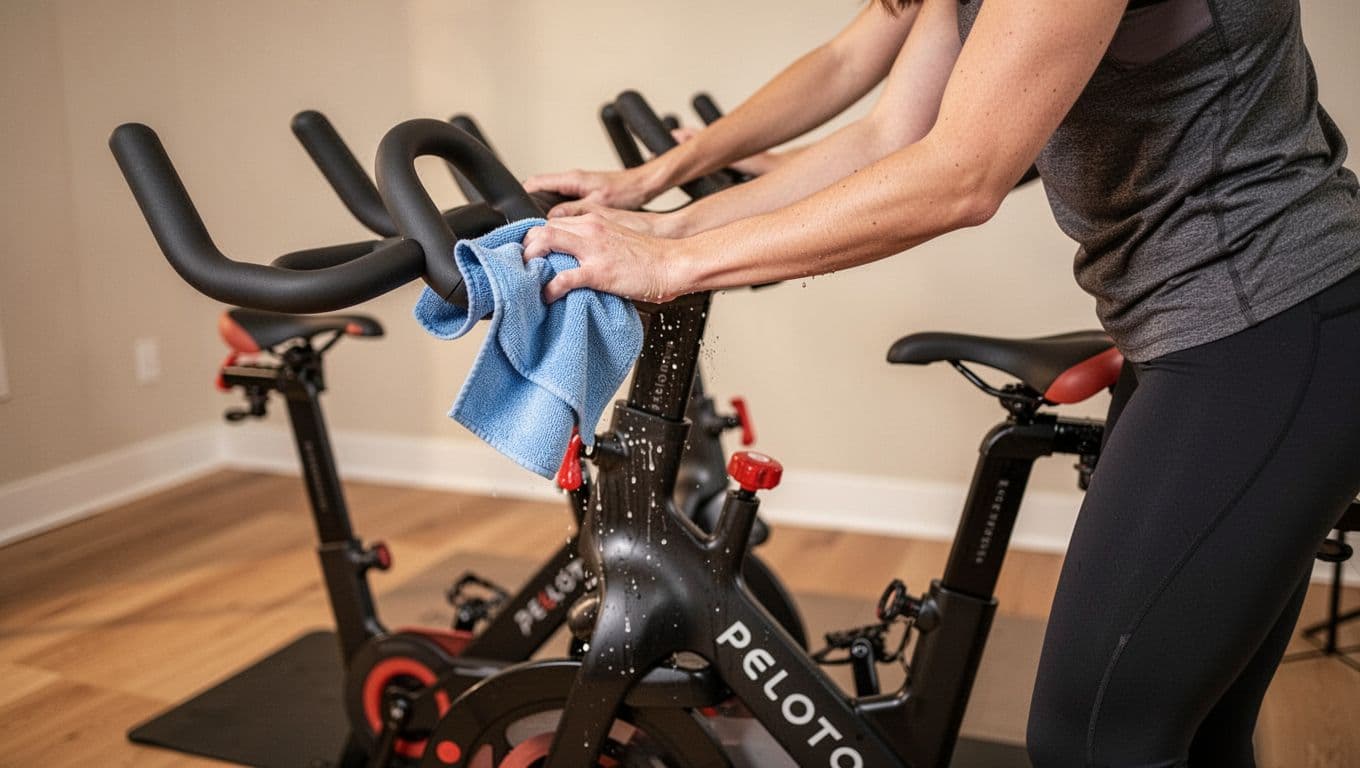
Wiping sweat off right away helps prevent corrosion and loosening, created with AI.
If you ride 4 to 5 times a week, you need a simple rhythm, not a once-a-year panic.
Peloton-friendly basics still apply: wipe down after every workout, do quick bolt checks monthly, and plan deeper cleaning about every 20 to 30 rides. For the touchscreen, use a microfiber cloth and a screen-safe cleaner (don't spray directly onto the display).
Preventive maintenance matters because it catches small issues before they become expensive repairs or long downtime.
The 2-minute post-ride routine that prevents most "mystery" problems
Right after you finish, do this while you're already standing there:
- Wipe sweat off the frame, bars, seat rails, and adjustment points
- Dry around fasteners and knobs, don't leave moisture sitting
- Give the bars and seat a quick wiggle check for obvious looseness
- Keep the floor area clean so dust doesn't build near moving parts
Drying matters because salty moisture keeps working long after your heart rate drops.
Monthly checks that help you avoid the "sudden clicking" moment
Once a month, take five minutes and look for the boring stuff that causes loud problems:
- Confirm seat and handlebar tightness
- Inspect pedals and cleats for wear and play
- Check for loose or damaged cables
- Confirm the bike sits level and doesn't rock
If you're chasing power or screen issues, start with connections. Many "random" power problems come from a loose plug somewhere along the power path.
When to stop DIY and call a technician (and what a real visit covers)
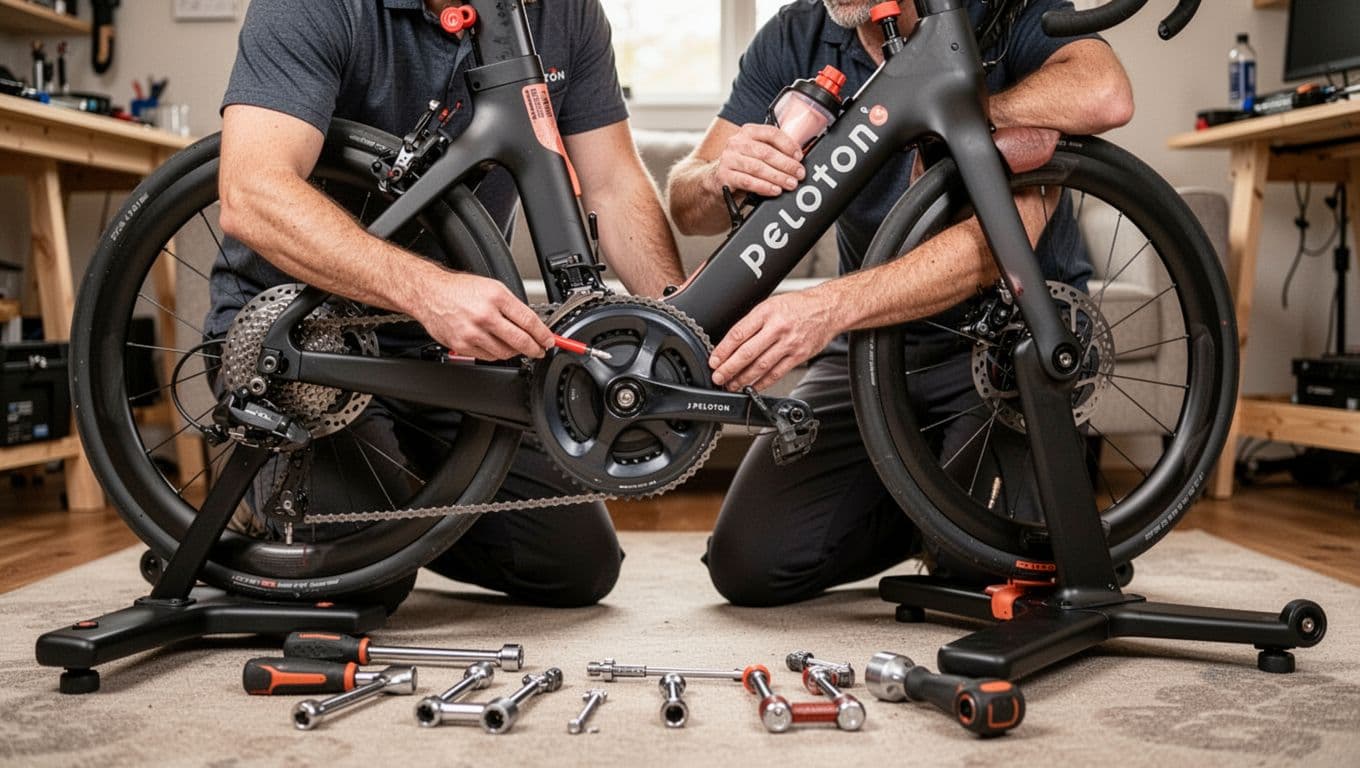
A trained tech can inspect torque points and internal wear signs quickly, created with AI.
Owner checks are great for cleaning, leveling, and obvious looseness. After that, the work starts needing disassembly, calibration, and the right torque tools.
If you want a thorough in-home check, a preventive maintenance, tune-up, and calibration visit is built for exactly this "high-minutes" reality. A real visit focuses on the parts riders can't truly evaluate alone, including hardware integrity checks, sensor and resistance evaluation, hub and axle evaluation, cadence magnet checks, bottom bracket inspection, belt adjustment, crank arm and pedal inspection, full calibration, touchscreen optimization, and early detection.
If something is already wrong, book an in-home diagnosis and repair visit (flat labor pricing is typically $169 per visit). For parts, you order directly from Peloton, and your technician gives you the exact part numbers and serial details, so you don't order the wrong thing.
For faster triage, start with a phone or video diagnostic consultation ($85). Many issues get solved without an in-home appointment.
PCMP's model is simple: you get a dedicated technician relationship, direct phone and text access, and a service that's field technician owned and operated. PCMP is also an independent service provider for Peloton equipment, not affiliated with Peloton Interactive, Inc. (details are here: independent service provider disclaimer).
Signs the problem is internal (and why waiting can cost more)
Stop riding and get it checked if you notice:
- A repeatable click under load that won't go away
- Resistance that surges, drops, or rubs
- Wobble at the crank area
- Grinding feel through the stroke
- Burning smell from electronics
- Power that cuts out again and again
Waiting can turn a minor correction into worn interfaces, damaged bearings, or bigger part swaps.
If you want zero downtime, build maintenance into your training plan
If your routine is non-negotiable, your equipment has to be, too. That's why a set schedule works better than "someday."
The idea is simple: you plan recovery rides, so plan equipment care. The PCMP annual maintenance plan is the set-it-and-forget-it option, and you can review the full scope on the PCMP plan details page.
Conclusion
More minutes make you fitter, and they also create more wear. Most problems start small, then get loud when you ignore them.
If you're hearing new noises, feeling rough resistance, or you just want peace of mind, start with a phone or video diagnostic, then book an in-home visit if needed. Schedule your next step here: contact PCMP.
FAQs (Peloton wear and high-minutes maintenance)
How often should you service your Peloton if you ride 4 to 5 times a week?
Plan on daily wipe-downs, monthly checks, and a professional preventive maintenance visit on a regular schedule. High minutes tend to loosen hardware faster and expose belt and bearing wear sooner.
Why does your Peloton click every pedal stroke?
Most repeatable clicking comes from cleats, pedals, crank interfaces, or the bottom bracket area. Tighten and inspect the easy stuff first, then get a professional diagnosis if it persists.
Can you ride through uneven resistance or a wobble?
Don't. Uneven resistance or wobble can point to alignment, belt, sensor, or bearing issues. Riding through it often increases wear and raises repair cost.
Trust your investment to a master technician who knows you and your equipment. Note: Treadmill Maintenance Program coming soon!
The Concierge Maintenance Program includes:
Experience worry-free workouts with personalized service from a Certified Master Peloton Technician. Here's what you get with the program:
Thorough Inspection: David’s keen eyes and ears evaluate every inch of your bike and sound that it makes. This meticulous check ensures early detection of potential issues, preserving the bike’s lifespan and performance.
Hardware Integrity: Bolts, nuts, and screws on your Peloton bike’s screen, goose-neck, handlebars, cupholders, wheel cover, seat, inner and outer belt guards, stabilizers bars, foot pads, and nuts are inspected and tightened to precise specifications. This prevents unexpected loosening or breakages, providing a safe and sturdy workout environment.
Sensor and Resistance System Check: Ensuring these crucial components are working accurately guarantees your workout stats are reliable, and your resistance changes are smooth.
Front Hub and Axil Assembly Evaluation: This inspection safeguards the operational efficiency of your Peloton bike, ensuring smooth and fluid wheel movement.
Cadence Magnet Check: This ensures your pedaling speed is accurately tracked, enabling you to follow along with your workouts correctly.
Bottom Bracket Examination: Checking and tightening the bottom bracket to proper torque specifications ensures the bike’s structural integrity and prevents damaging wobble during intense workouts.
Touchscreen Optimization: By removing “bloat” data from the touchscreen memory, we enhance its responsiveness and speed, providing you a seamless user experience.
Belt Adjustment: A properly tightened and aligned belt ensures efficient power transfer from your pedaling to the bike’s mechanism, leading to an effective and smooth ride.
Crank Arm and Pedal Inspection: Tightening the left and right crank arms, inspecting pedals, and securing screw rivets ensures the stability of your pedal stroke, preventing potential injuries and maintaining bike longevity.
Proper Bike Calibration: This essential service ensures your bike’s resistance levels are accurate, offering you a consistent workout experience.
**Personalized Care: We’re always ready to answer any questions you may have, and are more than willing to look into any specific area of concern you may have with your Peloton equipment. Year round!